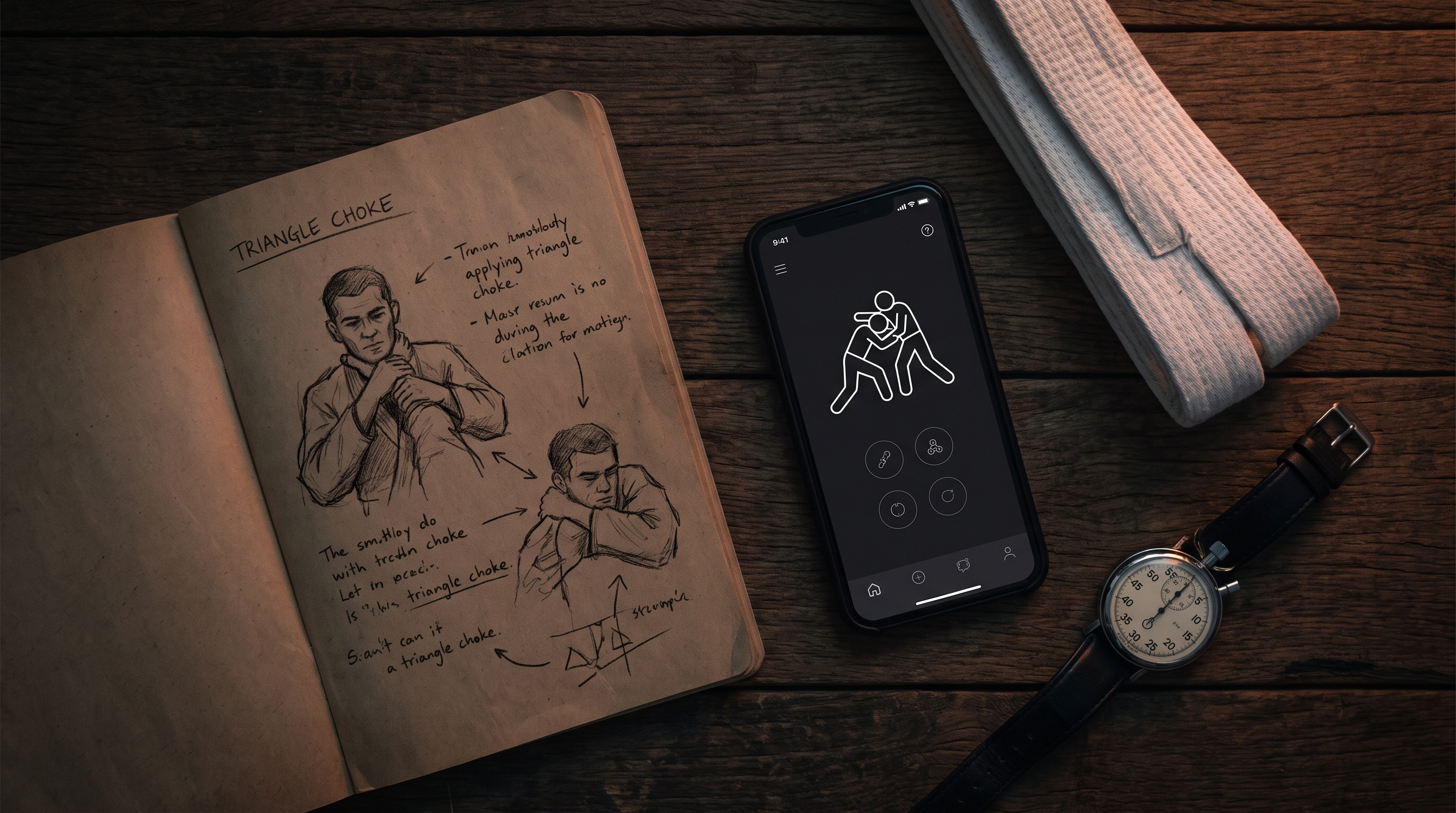
Best Free Tools to Track Your BJJ Progress: Apps, Sheets, and Journals Compared
TL;DR. Tracking your BJJ progress does not require a paid platform. A paper notebook, a Google Sheet, or a general note-taking app can all work if you actually use them. The right tool is the one you will still open six months from now. BJJ Memo is the option built specifically to turn instructional videos into revisable technique cards, but it is not the answer for every grappler.
Most of us walk off the mat with a couple of details we swear we'll remember — a grip, an angle, a small setup — and by the next session, most of them are gone. A tracking system is how you stop losing that information. This article compares the free options honestly: what each is good at, where each falls apart, and how to pick one based on how you actually train.
Founder disclosure. I build BJJ Memo, so I'm biased. To keep this useful, I've tried to describe each alternative the way a training partner would — real strengths, real limits — and I've included a section on where BJJ Memo is honestly weaker, because no tool wins every category.
Key takeaways
- The best BJJ tracking tool is the one you'll consistently open after training, not the one with the most features.
- Paper journals win on simplicity and zero friction, but they're painful to search when your library grows.
- Google Sheets and Notion give you total flexibility but require you to build (and maintain) your own system.
- General workout log apps track sets and reps well but weren't designed for positional grappling notes.
- BJJ Memo focuses narrowly on turning YouTube instructionals into structured, revisable technique cards.
- No app replaces mat time — every tool here is a memory aid, not a substitute for a qualified coach.
- Most grapplers benefit from combining two tools: one for on-mat notes, one for video-based study.
Who each tool is for
Before comparing features, be honest about how you actually study jiu-jitsu. Are you a class-only grappler who wants to remember what coach showed on Tuesday? A YouTube self-studier drowning in Gordon Ryan and Lachlan Giles clips? A competitor building a game? Each tool below fits a different profile.
- Paper journal (any notebook). For grapplers who process information best by handwriting, and who don't need to search old notes often. Also great if you dislike bringing a phone into the academy [source].
- Google Sheets / Excel template. For analytical grapplers who want to track rolls, submissions attempted, submissions landed, and trends over months. Requires building your own columns [source].
- Notion, Obsidian, or Evernote. For grapplers who already live inside a note-taking app and want a flexible, taggable technique library [source].
- General fitness / workout log apps. For grapplers who mainly want to track conditioning, strength work, and session frequency — not techniques [source].
- BJJ Memo. For grapplers who watch instructional videos on YouTube and want each one turned into a structured card they can revise before class. Read more on our how it works page.
Comparison table
| Tool | Best for | Cost | Search & retrieval | Video-based study | Learning curve |
|---|---|---|---|---|---|
| Paper journal | Class-only, tactile learners | Free (notebook) | Weak — you flip pages | None | None |
| Google Sheets | Data-focused grapplers | Free | Strong — filters and formulas | Poor — links only | Medium (you build it) |
| Notion / Obsidian | Note-app power users | Free tier | Strong — tags & backlinks | Manual — you paste clips | Medium to high |
| General workout apps | Conditioning tracking | Free tier | Strong for sets/reps | Not designed for it | Low |
| BJJ Memo | YouTube self-studiers | Free tier | Strong — searchable card library | Built for it — cards from videos | Low |
Feature specifics for third-party tools change frequently — verify current versions before deciding [source].
Strengths of each option
Paper journal
Zero setup, zero notifications, and no phone temptation between rolls. Handwriting also forces you to compress a technique into the words that matter, which is how details actually get remembered. Coaches from many academies have kept training journals for decades [source] — it works because the friction is low every single session.
Google Sheets / Excel
Spreadsheets are quietly one of the most powerful BJJ tools nobody talks about. You can log every training session, tag positions, track submission attempts vs. success, and see months of data at a glance. The catch: you have to design the template and stay disciplined enough to fill it in. Templates exist online [source], but most people quietly abandon them within weeks.
Notion, Obsidian, or Evernote
General note-taking apps are flexible enough to build a genuine personal jiu-jitsu wiki — one page per position, backlinks between related techniques, embedded YouTube clips, tags for gi vs. no-gi. Great if you already use them for other parts of your life [source]. Less great if you'll spend more time organising the system than studying inside it.
General workout / fitness log apps
Apps built for the gym excel at counting sets, reps, and heart-rate trends. They're worth having if strength and conditioning are part of your grappling plan [source]. They are not designed for technique notes — trying to log "far-side arm-drag from de la Riva" into a bench-press app is a mismatch.
BJJ Memo
BJJ Memo is narrower. You paste a YouTube URL of a BJJ video and the app generates a structured technique card — steps, key details, tappable timestamps for the visual moments — and files it into a searchable library you can revise before training. It's built for one specific problem: turning the endless stream of instructionals you watch into something you can actually remember. See our take on how to learn BJJ from YouTube for the underlying method.
Remember. A tool only tracks what you feed it. The most sophisticated app in the world will not help if you never open it on the drive home.
Where BJJ Memo is honestly stronger
Not in every category — but in a few specific ones, the design gap is real.
- It's built around the video → card workflow. Spreadsheets and note apps let you paste a YouTube link. BJJ Memo takes the transcript and structure of the video and outputs a technique card with steps, key details, and timestamps of the moments that matter. That's the whole product, not a feature.
- The library is BJJ-shaped from day one. You don't design the schema. Positions, submissions, guards, sweeps — the structure is there so you can spend your time studying, not tagging.
- The revision flow is built in. Cards resurface for review, so techniques you saved three months ago don't quietly rot in a folder you never open.
- Timestamps are tappable. Instead of scrubbing through a 45-minute instructional to find the detail, you tap into the exact moment.
Where BJJ Memo is honestly weaker
This section is required, and rightly so.
- It is not a class notebook. If your main need is jotting down what coach showed after last night's fundamentals class, a paper journal or Notion page is faster.
- It doesn't track rolls, submissions attempted, or conditioning metrics. A Google Sheet does that better, full stop.
- It depends on video input. If you rarely watch instructionals and mostly learn on the mat, a big portion of the app doesn't apply to you.
- It's a young, focused product. Note-taking veterans like Notion or Evernote have deeper general-purpose features [source]. BJJ Memo intentionally does one thing.
- It's a phone app. If you refuse to bring a phone into the academy, paper wins.
Remember. No app on this list replaces a coach. If a technique feels wrong when you drill it, ask a black belt — a card is a memory aid, not a diagnosis.
Final recommendation by user profile
- Class-only white belt. Start with a cheap paper notebook. Write three lines after every class: the position of the day, the key detail, and one thing you got tapped by. That's it. Add a tool later if you outgrow it.
- Hobbyist blue belt who watches YouTube. Combine a paper journal for class with BJJ Memo for video-based study. The two systems don't overlap.
- Analytical grappler who loves data. Build a Google Sheet for roll and submission tracking. Add BJJ Memo if instructionals are a big part of how you study.
- Note-app power user. Stay in Notion or Obsidian for your general knowledge base. Consider BJJ Memo only if you find yourself pasting YouTube links you never actually revisit.
- Competitor building a game. Use two tools deliberately: a sheet for match/roll data and BJJ Memo for the technique library that feeds your A-game. Read our beginner-friendly notes on building a personal game for the framework.
Remember. Switching tools every month is worse than picking a slightly imperfect one and using it for a year. Consistency compounds.
Frequently asked questions
What's the best free way to track BJJ progress for a beginner?
A paper notebook. Write three lines after every class — position, key detail, what tapped you. Once you consistently do that for two months, consider whether you need something more structured.
Do I need a BJJ-specific app, or is a general note app enough?
A general note app like Notion or Evernote is enough if you already use it and are willing to build your own system. A BJJ-specific tool like BJJ Memo saves setup time and adds features aimed at the sport — but it's not required.
Can spreadsheets really track jiu-jitsu progress?
Yes, and they're underrated. A sheet with columns for date, session type, positions worked, submissions attempted, and submissions landed will show trends over months that no vibe-based memory can match. The hard part is filling it in every week.
Is BJJ Memo actually free?
BJJ Memo has a free tier. Features and any paid tier may change, so check the current details on the official site before deciding.
Will tracking make me improve faster?
Tracking alone won't. Reviewing what you tracked will. The point of any of these tools is to get you thinking about specific details between sessions, so you walk into the next roll with intent instead of hope.
Should I bring my phone into the academy?
Many grapplers prefer not to. A paper notebook in your gym bag, filled in during the walk to the car, is a totally valid system — and often more consistent than any app.
Next step
Pick one tool from this list and commit to it for eight weeks. Whatever you choose, the discipline of writing down what you learned matters more than the interface. If your bottleneck is that you watch a lot of instructional videos and forget them within days, try BJJ Memo — paste a video, get a revisable card, review before your next class.
Teacher disclaimer. For real feedback and safety, train the technique at a legit academy with a qualified black belt. BJJ Memo — and every other tool listed here — is a memory aid. It does not replace mat time, live drilling, or a coach who can watch you move.
Last updated 2026-09-28.