Best Ways to Save BJJ YouTube Videos So You Actually Rewatch Them
TL;DR. Saving BJJ YouTube videos is easy; actually revisiting them is the hard part. YouTube playlists and Watch Later are free but shallow. Notes apps like Notion give you structure but require constant manual work. BJJ Memo turns any YouTube URL into a structured technique card with timestamps and a revision flow, so the video becomes something you can rewatch with intent — not another link buried in a playlist.
Every serious grappler has the same folder: a bloated YouTube playlist called "BJJ" or "To Watch," full of Gordon Ryan back-take breakdowns, Lachlan Giles leg-lock deep dives, and random competition analyses. And most of it never gets rewatched. The problem isn't willpower — it's that most tools are built for saving, not for retrieving and drilling.
This article compares the most common options honestly, including where our own app, BJJ Memo, falls short.
Key takeaways
- Most grapplers save far more BJJ videos than they ever rewatch — the problem is retrieval, not storage.
- YouTube playlists are free and universal but offer no notes, no steps, and no revision system.
- Watch Later is essentially a graveyard: it grows faster than you can consume it.
- Notion, Evernote, and Google Docs give you structure but demand hours of manual note-taking per video.
- Bookmark folders in a browser are the worst option for anything you actually want to remember.
- BJJ Memo is built specifically to turn YouTube instructionals into revisable technique cards for training.
- The right tool is the one you'll open the day before class — not the one with the most features.
Founder disclosure
BJJ Memo is my project. I'm a hobbyist grappler who kept saving instructionals I never rewatched, so I built the app I wanted. I'll compare it against alternatives as honestly as I can — including where they beat us. Every competitor feature note ends with [source] so a human editor can attach a verified reference before publication.
Who each option is for
Before comparing features, be honest about how you actually study. If you rewatch videos every week the day before open mat, your needs are different from someone who studies a single instructional series slowly over months.
- YouTube playlists / Watch Later — for people who mostly want a queue and don't take notes.
- Bookmarks (Chrome, Safari, Arc) — for casual savers who watch on desktop.
- Notion, Evernote, Obsidian, Google Docs — for structured self-studiers willing to write long notes.
- A physical BJJ notebook — for old-school learners who write to remember.
- BJJ Memo — for grapplers who want video → structured technique card → revision, without the manual note-taking.
Comparison table
| Option | Cost | Note-taking | Timestamps | Structure per video | Revision flow | Best for |
|---|---|---|---|---|---|---|
| YouTube playlist | Free | None [source] | Manual chapters only [source] | None | None | Queueing videos to watch |
| YouTube Watch Later | Free | None [source] | No | None | None | Quick saves |
| Chrome/Safari bookmarks | Free | Title only [source] | No | Folders only | None | Casual savers |
| Notion / Evernote | Free–paid [source] | Full, manual | Manual copy-paste | You design it | None built-in | Deep self-studiers |
| Physical notebook | Cheap | Full, manual | No (or written) | You design it | Re-reading | Tactile learners |
| BJJ Memo | Free tier + premium | Auto technique card | Yes, tappable | Steps + key details | Yes, built-in | Grapplers who want retention |
Remember. A tool's value isn't in what it can do — it's in what you'll actually still be doing three months from now. Choose the workflow that fits your energy on a busy training week, not on your most motivated day.
Strengths of each option
YouTube playlists
Universal, free, sync across every device, and instantly shareable with training partners. If an instructor releases a series, you can subscribe to it as an official playlist [source]. YouTube also supports creator-added chapters, which is the closest built-in feature to timestamped notes [source]. For pure queueing, nothing beats it.
YouTube Watch Later
One click to save. Available on mobile and desktop [source]. Good for triage — save now, decide later. The issue is the "later" rarely comes.
Browser bookmarks
Zero learning curve. Nested folders let you group videos by position (guard passing, back attacks, escapes). If you already live in the browser, it's frictionless. But there's no note field beyond the title [source], so you're relying on your memory of what each video contained.
Notion, Evernote, Obsidian, Google Docs
The most powerful option if you use them. You can embed a YouTube video, write step-by-step notes underneath, add tags, and link related pages. Notion and Obsidian both let you build backlinks between techniques [source], which is huge for building a personal game. The catch is time: writing detailed notes for one instructional can easily take longer than the video itself.
Physical notebook
Writing by hand is genuinely one of the strongest ways to encode a technique. A dedicated jiu-jitsu notebook next to your gi bag has served grapplers for decades. The downside is obvious — no video, no search, no way to jump back to the exact moment.
BJJ Memo
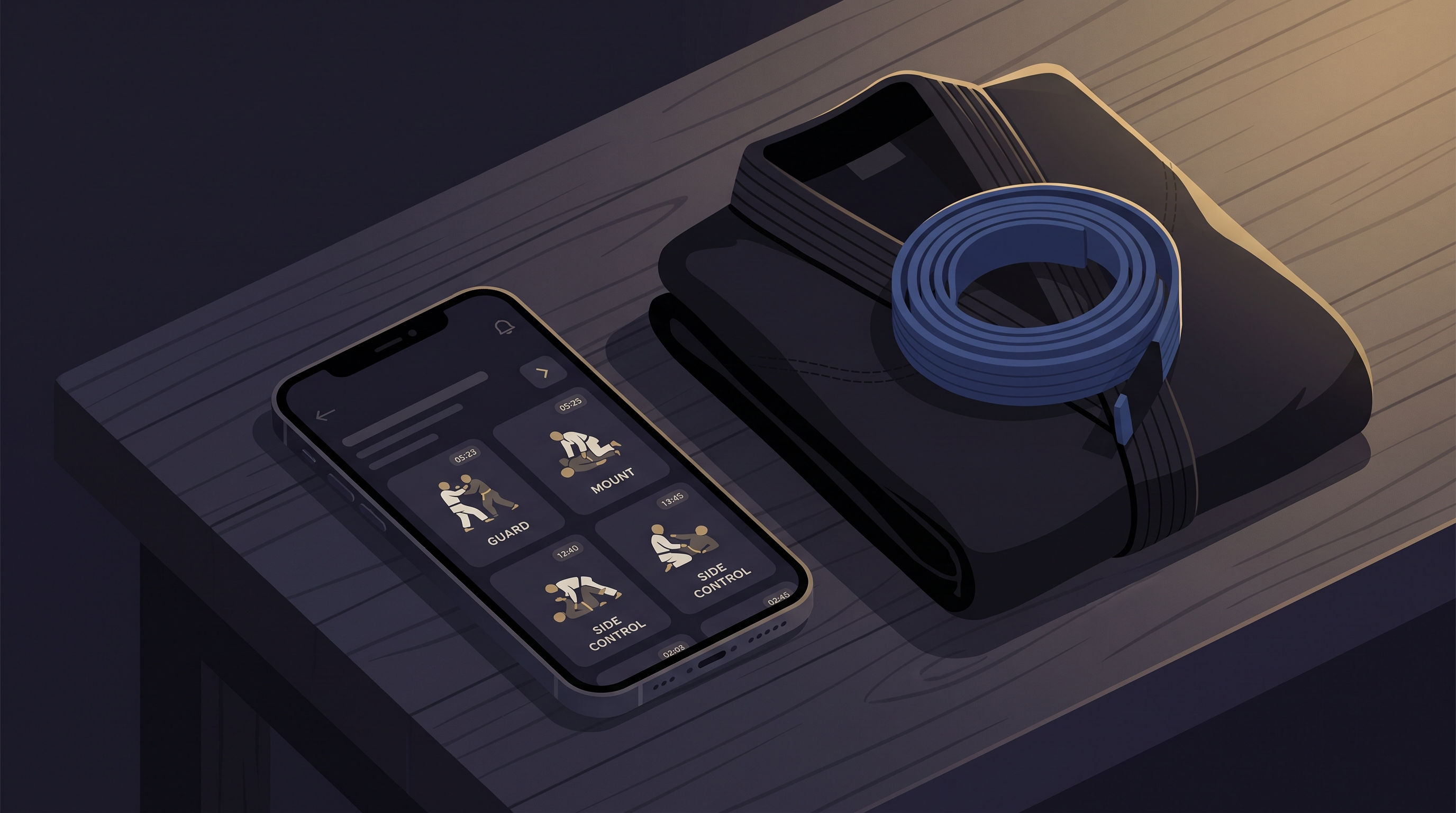
Built for one job: turn a BJJ YouTube URL into a structured technique card and file it into a searchable library, then surface it again before training. You paste a link, the app extracts metadata and the transcript and generates a card with steps, key details, and tappable timestamps of the important visual moments. The card lives in your personal library, and a review flow brings it back before your next session so you actually remember it.
Where BJJ Memo is honestly stronger
Not adjectives — reasons.
- The card is generated for you. With Notion or a notebook, you have to write the steps yourself. In BJJ Memo, the technique card exists the moment you paste the URL, so the barrier to "actually organizing this video" drops to seconds.
- Timestamps are tappable and tied to the steps. In a YouTube playlist, timestamps live in the description if the creator added them. In BJJ Memo, they're anchored to the moments that matter for each step of the technique.
- It's built around revision, not archiving. Playlists and Notion pages don't remind you to review anything. BJJ Memo's revision flow is designed so the technique you saved two months ago resurfaces before your next roll.
- The library is BJJ-shaped. Positions, submissions, guards — the structure matches how grapplers actually think, so retrieval is fast when you're standing in the changing room ten minutes before class.
- Zero friction on mobile. Most grapplers watch instructionals on their phone. Pasting a URL into BJJ Memo on the same device is one tap; opening a laptop to write Notion notes is a workflow most people abandon within a month.
For more on the underlying idea, see our guide on how to remember BJJ techniques and how to learn BJJ from YouTube effectively.
Remember. The best system isn't the one with the most features — it's the one you'll open the day before training when you're tired.
Where BJJ Memo is honestly weaker
Mandatory section, and worth reading before you commit.
- It's mobile-only right now. If you take notes on a desktop with two monitors, Notion or Obsidian will feel roomier.
- It's specialized for BJJ. If you also want to save cooking videos, language lessons, and jiu-jitsu in one place, a general tool like Notion is more flexible.
- It depends on the video having enough signal. Very short clips or videos without a clear structure produce weaker cards than a 20-minute breakdown.
- It's not a coach. No app is. A card can remind you what to do; it can't tell you when your grip is wrong or your hips are too high. That still requires mat time and feedback.
- It's newer than YouTube. YouTube has been iterating for close to two decades. We're building fast, but the ecosystem — extensions, integrations, third-party tools — is smaller.
Final recommendation by user profile
"I just want a place to dump videos." Use a YouTube playlist. Free, universal, done. Accept that you'll rewatch maybe a fraction of what you save.
"I already live in Notion / Obsidian." Keep using it. Build a template with fields for position, key details, and drills, and paste the YouTube embed. Just be honest about whether you'll fill it in.
"I love writing by hand." A dedicated jiu-jitsu notebook is genuinely excellent for retention. Pair it with a small playlist for the videos themselves.
"I keep saving instructionals and forgetting them by next class." This is exactly why BJJ Memo exists. Paste the URL, get a technique card, revise before training. See our blog for more on the retention side.
"I'm brand new to BJJ." Start with fewer videos, not more. Pick one instructional per position, save it however you like, and drill the fundamentals with your coach. Any of the tools above will do — the app matters less than the reps.
Remember. Watching more BJJ isn't the goal. Remembering what you watched, and being able to attempt it live, is the goal.
Frequently asked questions
What's the easiest way to save a BJJ YouTube video?
One-tap Save to Watch Later or add to a playlist directly from the YouTube app. It's the lowest-friction option but offers no notes, no structure, and no reminder to revisit. Good for triage, weak for retention.
How do I organize BJJ videos by position?
In YouTube, create a playlist per position (e.g., "Half Guard," "Back Attacks," "Side Control Escapes"). In Notion or Obsidian, use tags or a database property. In BJJ Memo, the library is already structured around positions and submissions, so cards file themselves.
Are YouTube playlists enough for building a BJJ video library?
For pure viewing queues, yes. For actually studying and remembering techniques, no — you'll have no step-by-step notes, no key details, and no revision prompts. Most grapplers who rely on playlists alone end up rewatching only a small fraction of what they save.
Can I save private or unlisted YouTube videos?
YouTube playlists support unlisted videos if you have the link. Third-party apps that pull metadata generally need the video to be at least unlisted and accessible via URL. Private, invite-only videos usually won't work anywhere outside YouTube itself.
Is it better to take notes by hand or in an app?
Hand-writing is excellent for encoding a technique into memory. Apps win on searchability and being able to jump back to a specific moment in the video. Many grapplers use both — a quick app card for retrieval, plus a physical notebook for the moves they're currently drilling.
How does BJJ Memo compare to just using Notion?
Notion is more flexible and desktop-friendly. BJJ Memo is faster to use on mobile, generates the technique card automatically instead of asking you to write it, and includes a revision flow specifically for grappling. Choose Notion if you already use it daily; choose BJJ Memo if starting a Notion page for every video is the reason you never do it.
Ready to actually rewatch the videos you save?
Next time you finish a Gordon Ryan breakdown or a Lachlan Giles leg-lock deep dive, paste the URL into BJJ Memo instead of dumping it into another playlist. You'll get a structured technique card, tappable timestamps, and a revision reminder before your next session — so the video becomes something you can actually use on the mat.
For more on studying video effectively, browse the BJJ Memo blog.
Coach / teacher disclaimer. BJJ Memo helps you remember and revise, it doesn't replace mat time. For real feedback, safety, and correction on any technique in this article, train at a legit academy with a qualified coach. Nothing here is medical or injury advice.
Last updated 2026-09-01.