How to Organize Your BJJ Techniques: A Simple Library System That Scales
TL;DR. Most grapplers lose techniques because their notes are scattered across camera rolls, Notes apps, and DMs with no shared structure. The fix is a two-axis library: file every technique by position first (where you are) and intent second (what you're trying to do). Keep entries short — name, position, intent, three steps, one detail, one common mistake — and revise before training, not just after class. This article gives you a step-by-step system you can start today with a free note app, and shows where a tool like BJJ Memo fits if you want to skip the manual filing.
If you've been training more than a few months, your "BJJ notes" probably look like this: a camera roll full of instructional screenshots, a Notes app with cryptic one-liners ("grip THEN hip"), voice memos you never played back, and half a dozen YouTube tabs you meant to rewatch. None of it is searchable. None of it is revisable. And when the position comes up in a roll, you can't remember the detail you swore you'd never forget.
This isn't a discipline problem. It's a structure problem. Jiu-jitsu has more branches than any single grappler can hold in working memory, and without a library system you're basically re-learning the same moves every few weeks. Below is a scalable system for organizing your techniques by position and intent — the two axes that actually match how BJJ works on the mat.
Key takeaways
- Organize BJJ techniques by position first (side control bottom, closed guard top) and intent second (escape, sweep, submit, pass).
- Keep each technique entry short: name, position, intent, 3 steps, 1 key detail, 1 common mistake.
- A folder-per-position structure scales because every new move has an obvious home.
- Review your library before class, not just after — that's when retention actually happens.
- Tag techniques by belt-level or "game" (spider guard game, half-guard game) once your library grows past a couple dozen entries.
- Screenshots and video timestamps only help if they're attached to a titled, searchable card.
- The system that gets used beats the perfect system that gets abandoned — start ugly, refine weekly.
Why your BJJ notes turn into chaos
BJJ information hits you from every direction: your coach shows two techniques and three details in a 90-minute class, your training partner mentions a grip they saw on Instagram, your favorite instructional drops a new concept, and you scroll through a YouTube breakdown on the drive home. In a single week you can be exposed to more moves than you can meaningfully practice in a month.
Most note systems fail because they organize by when you learned something (a diary), not where you'd use it (a library). A diary is fine for reflection. It's useless when you're about to spar and want to remind yourself how to escape bottom side control.
The other failure mode is over-engineering. People spend a Saturday building an elaborate Notion database with fifteen fields per entry, use it twice, and abandon it. A BJJ library has to be so simple that adding a new technique after class takes under two minutes, or you won't do it.
Remember. The library you actually maintain beats the perfect library you abandon in a month. Start ugly, refine weekly.
A simple system: how to organize BJJ techniques in 6 steps
Here is the whole system. You can build it in your Notes app, in Notion, in a physical notebook, or with a purpose-built tool like BJJ Memo. The mechanics are the same.
Step 1 — Pick your two axes: position and intent
Every technique in jiu-jitsu answers two questions: where am I? and what am I trying to do from here? Those are your only two mandatory tags.
- Position = the physical situation (closed guard bottom, half guard top, mount bottom, back control, turtle, standing).
- Intent = what the technique accomplishes (escape, sweep, submit, pass, transition, retain).
That's it. A kimura from side control top is Side Control Top → Submit. A hip escape to guard is Side Control Bottom → Escape. When you're on the mat, you never think "I need a move from Tuesday's class" — you think "I'm stuck under side control, I need an escape." Your library should match how you'll query it.
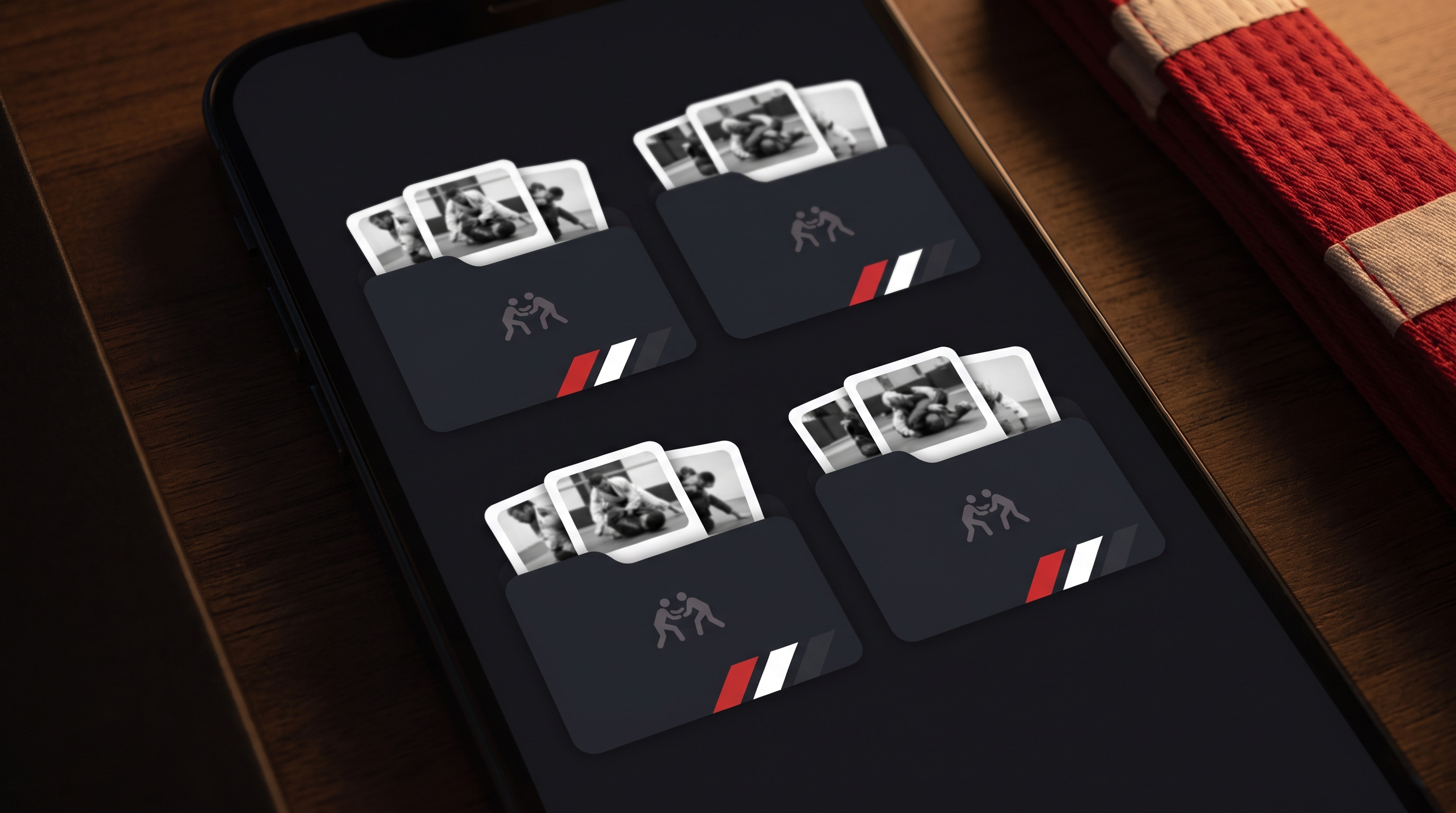
Step 2 — Build one folder per position
Create a folder (or notebook, or tag) for each major position. A reasonable starting list:
| Position family | Folders |
|---|---|
| Guard (bottom) | Closed guard, Open guard, Half guard, Butterfly, De la Riva, Spider, X-guard |
| Guard (top) | Guard passing (standing), Guard passing (kneeling), Half guard top |
| Dominant positions | Mount, Side control, Knee on belly, Back control, North-south |
| Bad positions | Side control bottom, Mount bottom, Back taken, Turtle bottom |
| Standing / start | Takedowns, Pulling guard, Standing self-defense |
You don't need all of them on day one. Start with the five positions you're in most often (usually closed guard, side control top and bottom, mount top, and half guard). Add folders as you actually learn techniques from other spots.
Step 3 — Write each technique as a short card
Every entry follows the same template. Keep it under 150 words. Long notes never get re-read.
Name: Elbow escape to guard recovery
Position: Side control bottom
Intent: Escape
Source: Coach Tuesday class / [YouTube link + timestamp]

Steps:
1. Frame on the hip and the shoulder — elbows tight.
2. Shrimp away, creating knee-slice room.
3. Insert the far knee across, replace guard.

Key detail: Frame with the forearm, not the palm.
Common mistake: Bridging before framing — you feed the crossface.
That's the whole card. Anything longer and you'll skim it. Anything shorter and you won't remember what "grip THEN hip" meant six weeks from now.
Step 4 — Attach the visual reference
Text alone is not enough for BJJ. Grip details, angles, and weight distribution have to be seen. For every card, attach one of:
- A short clip you filmed of your coach or a partner drilling the move (with permission).
- A YouTube link with a specific timestamp of the moment the detail is shown.
- A screenshot of the finish position (helpful for setups you understand but forget the endgame of).
The rule: if a training partner picked up your library and read one card, they should be able to see the technique in their head. Text tells them what to do; the clip shows them how it looks.
Step 5 — Add a second layer of tags once you outgrow positions
Once your library gets past twenty or thirty entries, position folders alone stop being enough. Add a second layer of tags to slice the same techniques a different way:
- By game:
spider-guard-game,half-guard-game,leg-lock-game. Useful when you're building a personal style. - By belt level / phase:
fundamental,advanced,for-competition,for-open-mat. Helps you filter what to drill this week. - By status:
learning,drilling,hit-in-live,dropped. A move you've never hit in a live round is very different from one you've finished five times.
Don't add these tags on day one. Add them the moment you notice yourself thinking "where are all my sweeps from half guard?" — that's the query your tag system needs to answer.
Step 6 — Revise BEFORE class, not just after
This is where most people's systems die. They fill the library and never reopen it. Revision is where retention actually happens.
Build a 5-minute pre-training habit:
- Open the folder for tonight's likely position (if your coach said "we're doing half guard," open half guard).
- Skim three cards — one you've drilled recently, one you've never hit live, one that's giving you trouble.
- Pick one detail to actively look for during rolls.
That single habit turns a passive library into a training tool. Without it, you've just built a graveyard of well-organized techniques you don't remember.
Remember. A technique you read the morning of class is many times more likely to appear in your rolls that night than one you filed away and never revisited.
Common mistakes when building a BJJ technique library
Most failed systems die from the same handful of errors. Watch for these:
- Filing by class date instead of position. "Tuesday's class" is a diary entry. "Half guard top" is a library. You need the library.
- Writing paragraphs. If your card is longer than a phone screen, you won't re-read it. Cut to steps and one key detail.
- No visual reference. Text alone loses the grip, the angle, the weight shift. Always attach something you can see.
- Building the system on the wrong tool. If adding a new card takes more than two minutes, you'll stop after a week. Frictionless capture beats elegant structure.
- Never revising. Capture without revision is a hobby, not a learning system. The pre-class skim is what makes the whole thing work.
- Trying to catalogue everything. You don't need every technique on the internet — you need the ones you actually train. Prune ruthlessly.
- No "dropped" category. Some moves don't fit your body or your game. Move them out of active rotation instead of pretending you'll drill them.
Remember. The library is a working document, not a museum. Delete, merge, and rewrite entries as your game evolves.
Where BJJ Memo fits in
Everything above works with a plain note app and a folder for each position — that's how most serious students already do it. The friction is capturing the technique cleanly: finding the moment in the video, writing the steps, attaching the timestamp, filing it under the right position.
BJJ Memo is built specifically for this workflow. You paste a BJJ YouTube link, the app extracts the transcript and generates a structured technique card (steps, key details, tappable timestamps of the visual moments), and files it into your personal library. The revision flow surfaces cards before training so you're not just collecting — you're actually reviewing. If you'd rather spend that time drilling instead of formatting notes, that's the trade-off it's designed for. If you love pen-and-paper, keep doing what you're doing — the system in this article works either way.
Frequently asked questions
What's the best way to categorize BJJ moves for a beginner?
Start with only two axes: position (where you are on the mat) and intent (escape, sweep, submit, pass). Build one folder per position and drop each new technique into the folder that matches where you'd use it. Don't add tags, sub-tags, or advanced structure until you have at least twenty entries — you won't know what queries you need until you feel the friction of not being able to find something.
How many techniques should be in my BJJ library?
Quality over quantity. A working library of core techniques you actually drill and hit is more useful than hundreds of cards you've never revisited. Most competitive grapplers work off a relatively small set of go-to moves per position. Focus on depth, not breadth — see our guide on building a BJJ game.
Should I use paper, an app, or a spreadsheet?
Whatever you'll actually maintain. Paper is great for post-class reflection but hard to search. Notes apps and spreadsheets are searchable but you have to manually build every card. A dedicated tool like BJJ Memo removes the friction of turning a video into a card. The best tool is the one that keeps capture time under two minutes per technique.
How do I organize techniques I learned from YouTube?
Treat a YouTube technique exactly like a class technique: give it a name, tag it by position and intent, write the steps in your own words, and paste the link with the timestamp of the key detail. Writing the steps in your own words is what turns passive watching into a memory you can access. For more on this, see how to learn BJJ from YouTube instructionals.
How often should I revise my BJJ technique library?
Do a five-minute skim before each training session, focused on the position you expect to work that night. Once a week, spend fifteen minutes pruning: delete techniques you've abandoned, promote ones you've started hitting live, and merge duplicates. Revision, not capture, is where retention actually happens — read our piece on how to remember BJJ techniques.
What if my coach teaches a variation of a move I already have?
Add it as a short note inside the existing card, not as a new card. Something like: "Variation (Coach, Aug): grip the collar first, then the sleeve — tighter finish." This keeps related knowledge together and prevents your library from ballooning into duplicates. If the variation is truly a different technique with a different intent, then yes, give it its own card.
Start your library this week
You don't need a perfect system. You need one you'll open before class. Pick five positions, make five folders, write your first three cards tonight using the template above, and skim them before your next training session. That's the whole system.
When you're ready to skip the manual filing — pasting a YouTube link and getting a structured, revisable technique card back — try BJJ Memo on iOS and Android. It's built to make the library above take minutes instead of hours.
Teacher disclaimer. This article is about organizing what you learn, not replacing where you learn it. For real feedback on technique, safety, and application, train at a legit academy with a qualified coach — a library helps you remember and revise, it doesn't replace mat time.
Last updated 2026-08-13.